What it does
Ask questions in plain English about the information in your account. See the status of the sources used in each answer.
You need to know if an answer relies on an old review analysis or lacks a bank feed. Blù shows the evidence available, rather than asking you to trust a confident answer.
What the workspace includes
Questions about available account and connected business sources
Source links and availability or freshness information
Merchant-managed confirmed facts
Conversation-history and export controls in enabled accounts
Who it fits
Owners who want help interpreting connected business information
People willing to check the source behind a recommendation
When another solution may fit better
Autonomous financial decisions or professional tax, legal, or medical advice
Answers about private data that has not been connected
How you would use it
Check what Blù can see: Review source availability and dates before asking about a change.
Ask a specific question: For example: which recurring review concern should my team address first?
Read the evidence: Open the cited source and check the underlying figures before acting.
Data, connections, and automation
Depending on account access and connections: business profiles, search, reviews, competitors, website audits, measured history, supported banking, verified bookkeeping, and payment evidence. No one account is assumed to have every source.
Blù provides analysis and drafts. This advisor does not autonomously change your books, send a campaign, or move money.
Cost and eligibility
This tool has no additional software charge when it is listed as included in your eligible BlueFinch merchant package. Have BlueFinch confirm access, connected services and usage limits in writing. Payment processing and account-specific charges are separate.
For eligible U.S. BlueFinch merchant accounts with this tool enabled. A demo does not activate service or confirm your account’s access.
Availability: Connected account sources. Service area: Eligible businesses in the United States.
Claude has a Free plan; Pro lists $20 USD billed monthly or $200 USD billed up front for a year, checked October 2, 2026. Usage limits apply and taxes are extra. General chat access does not establish a connection to your BlueFinch merchant records or equivalent advice. Compare actual data access, source visibility and review needs, not just the subscription price.
Limits to know
A demo uses fictional business data and is not analysis of your business.
Missing or unsupported sources cannot support a reliable answer.
Saved conversation messages are retained for 30 days in enabled accounts. Clearing a conversation leaves confirmed facts in place; those have separate edit and delete controls.
Deposits and cash flow are not automatically profit. Review material decisions with a qualified person.
Example workflow
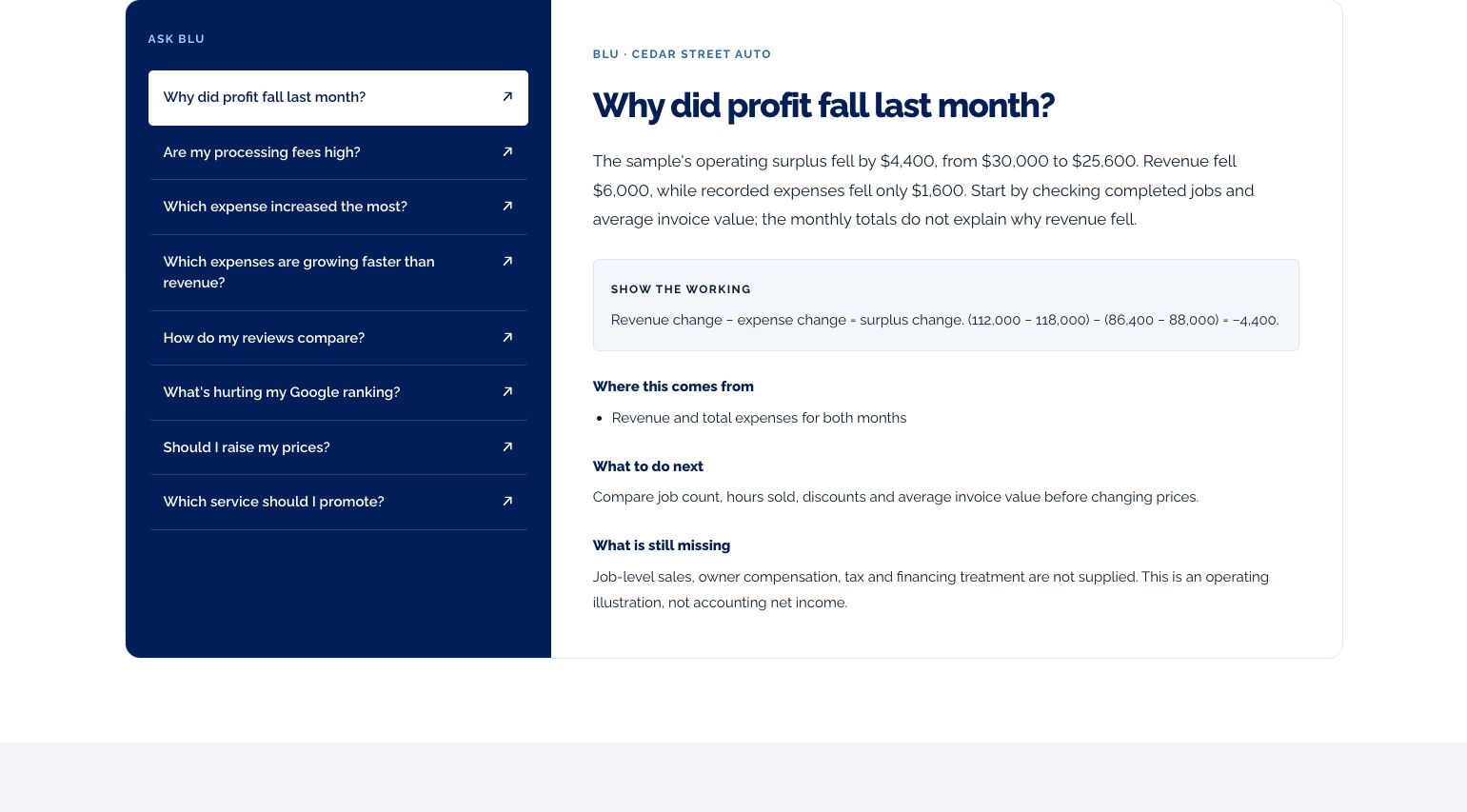
Ask why a number changed, then check its reporting period and source. If the evidence does not establish profit, the answer should not pretend it does.
Questions before you start
Can Blù see every part of my business? No. The What Blù can see panel lists the sources available to that account. A disconnected integration is not available evidence.
Does it make changes for me? The advisor experience supplies analysis and drafts. It is not an autonomous payment, bookkeeping, or marketing operator.
How do I get this for my business? Ask your BlueFinch representative to confirm eligibility, included features, any extra charges, and setup requirements in writing. Existing customers can check their account; new customers can request a business review.