What it does
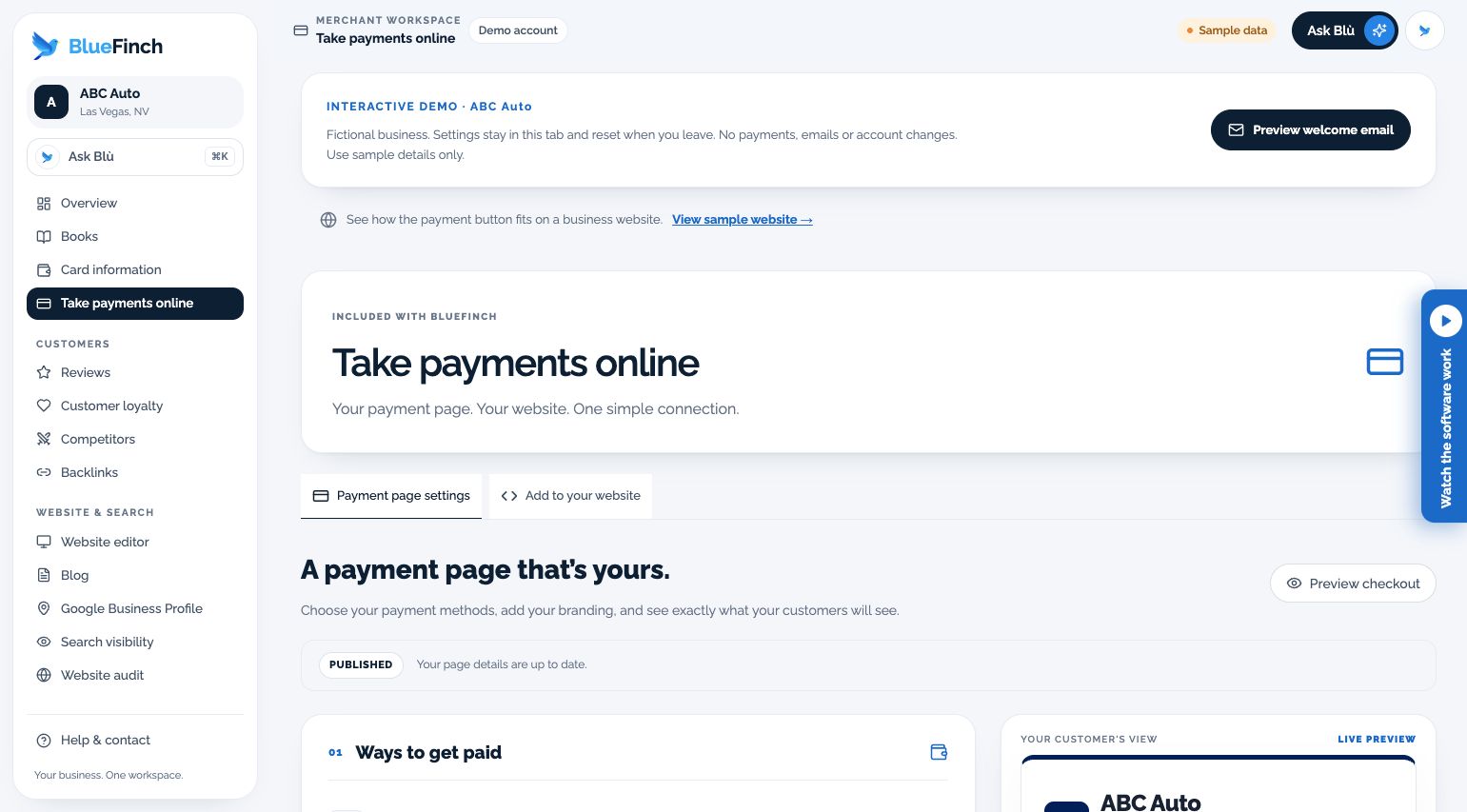
Set up a payment page with your branding. Share the link or put a payment button on your existing website.
When a customer is ready to pay, make the instructions easy to find. Your team can share the same payment page each time.
What the workspace includes
Business identity, appearance, and receipt-contact settings
Payment link, website button, and embedding instructions
Separate draft and publish actions with checkout preview
QR download and printable sharing material
Who it fits
Service businesses collecting remote or website payments
Owners who want a simple payment destination alongside an existing website
When another solution may fit better
An unapproved merchant expecting immediate card acceptance
A substitute for a full ecommerce inventory or order-management system
How you would use it
Confirm the payment setup: Have the approved methods and processing terms configured for your business.
Make the page yours: Check the business identity, receipt contacts, appearance, and customer-facing prices.
Publish and share: Use the published link or website integration after readiness checks pass.
Data, connections, and automation
The payment page is bound to the specific merchant account. Available payment methods and processor settings are controlled separately from page design.
A payment-page draft is not payment activation. Receipt and notification behavior depends on the configured payment service; the public demo never charges a card.
Cost and eligibility
This tool has no additional software charge when it is listed as included in your eligible BlueFinch merchant package. Have BlueFinch confirm access, connected services and usage limits in writing. Payment processing and account-specific charges are separate.
For eligible U.S. BlueFinch merchant accounts with this tool enabled. A demo does not activate service or confirm your account’s access.
Availability: Payment activation required. Service area: Eligible businesses in the United States.
Stripe includes Payment Links with standard Payments pricing; US domestic online cards are 2.9% + 30¢ per successful transaction, checked October 2, 2026. This is usage-based processing, not a free checkout bill. International cards, currency conversion, disputes and optional services can add charges; a custom payment-page domain is $10 USD/month. Compare the same channels and services.
Limits to know
Processing, gateway, debit, chargeback, and other account fees follow your written terms.
ACH requires separate availability and activation; it is not enabled by editing the page.
A saved design does not prove publication or payment readiness.
Example workflow
A contractor shares the same published payment link by email and on its website. Customers see the configured business name and payment options before proceeding.
Questions before you start
Can I use it on my current website? The workspace supplies a direct link, website button, and embedding instructions. Your site must support the chosen integration; a direct link is the simplest fallback.
Does the demo take real payments? No. It is a simulation using sample data.
How do I get this for my business? Ask your BlueFinch representative to confirm eligibility, included features, any extra charges, and setup requirements in writing. Existing customers can check their account; new customers can request a business review.