What it does
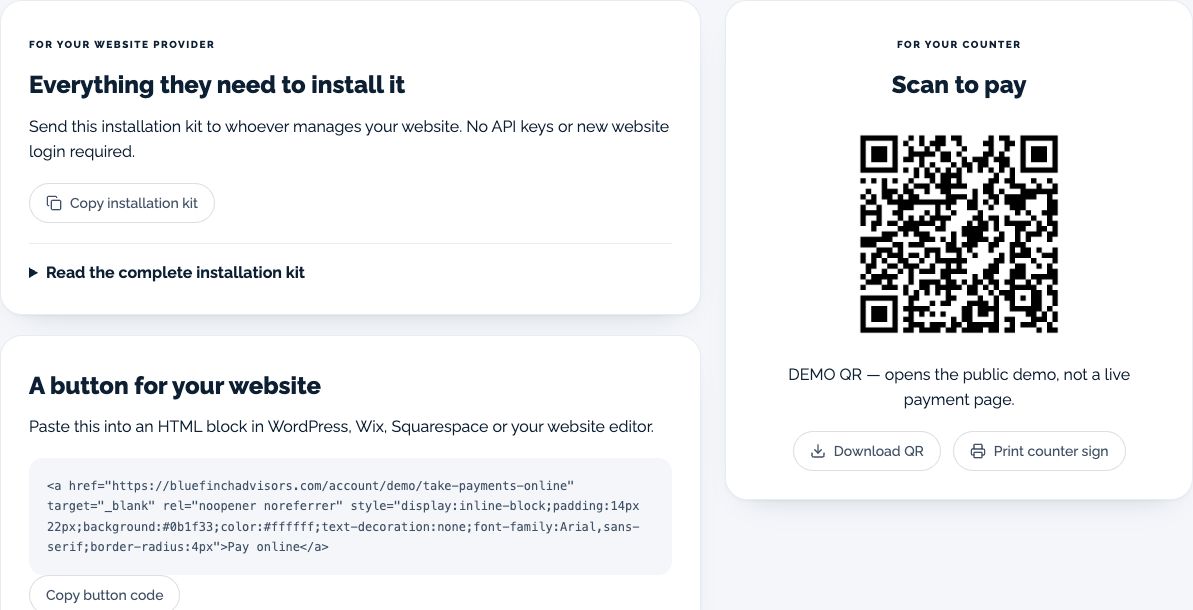
Get a downloadable QR code and printable sign that open your configured online payment page.
Typing a long payment address from a counter sign or invoice is awkward. Customers can scan the QR code on their phone to open the page directly.
What the workspace includes
Downloadable QR code for the published payment destination
Printable payment sign
A readable direct-link option
The same merchant identity and payment configuration as the linked page
Who it fits
Counters, pickup areas, printed invoices, and customer handouts
Businesses already using an approved BlueFinch payment page
When another solution may fit better
Offline payments without an internet connection
Card-present pricing merely because the QR is displayed in a store
How you would use it
Verify the destination: Check your published merchant page and payment readiness.
Download and test: Scan the code from another phone and confirm the business name and address shown.
Place it clearly: Print at a readable size with a short explanation of what the customer is opening.
Data, connections, and automation
The QR encodes a payment-page address. It does not by itself contain a customer’s card details or create a payment.
Scanning opens the configured checkout. The customer still completes the payment flow and any required verification.
Cost and eligibility
This tool has no additional software charge when it is listed as included in your eligible BlueFinch merchant package. Have BlueFinch confirm access, connected services and usage limits in writing. Payment processing and account-specific charges are separate.
For eligible U.S. BlueFinch merchant accounts with this tool enabled. A demo does not activate service or confirm your account’s access.
Availability: Published payment page required. Service area: Eligible businesses in the United States.
Stripe lets users create a QR image for a Payment Link, checked October 2, 2026. Payment Links are included with standard Payments; US domestic online cards cost 2.9% + 30¢ per successful transaction, before applicable extras. Scanning a printed code does not turn that checkout into an in-person card rate. This is the same payment service described under Online payments, not another subscription saving.
Limits to know
QR sharing does not change the underlying processing agreement or transaction classification.
A code that scans successfully is not proof that a payment settled.
Keep printed material current if the payment address changes.
Example workflow
A repair shop adds the code to a pickup counter sign. Staff verify the payment record rather than treating the customer’s scan as proof of payment.
Questions before you start
Is this a different payment processor? No. The code opens the merchant’s configured payment page. It is a sharing method, not another processor.
Can I put it on an invoice? You can use the downloaded code on printed material. Confirm whether your payment page supports the amount or reference workflow you need.
How do I get this for my business? Ask your BlueFinch representative to confirm eligibility, included features, any extra charges, and setup requirements in writing. Existing customers can check their account; new customers can request a business review.