Machine-shop RFQ current-stage aging register
Track the stage clock and the next owned decision.
No signup. Enter reference codes, add records and download a CSV. Entries stay in the browser tab. Filled fields do not establish completion, approval or compliance.
| Quote reference | Current version | Decision stage | Stage-entry date | Blocker reference | Next review date | Office owner role |
|---|---|---|---|---|---|---|
| RFQ-example-5 | Reviewed-version-example | Buyer decision pending | October 12, fictional | October 15, fictional | Estimator-role |
- Starting records are fictional examples, not merchant evidence.
- Keep private documents and actual contacts in your approved business system. Use internal reference codes here.
- Missing required fields indicate an unresolved record. Filled fields do not prove authorization, completion, compatibility or compliance.
- Export to approved business storage. Browser edits are cleared on reload.
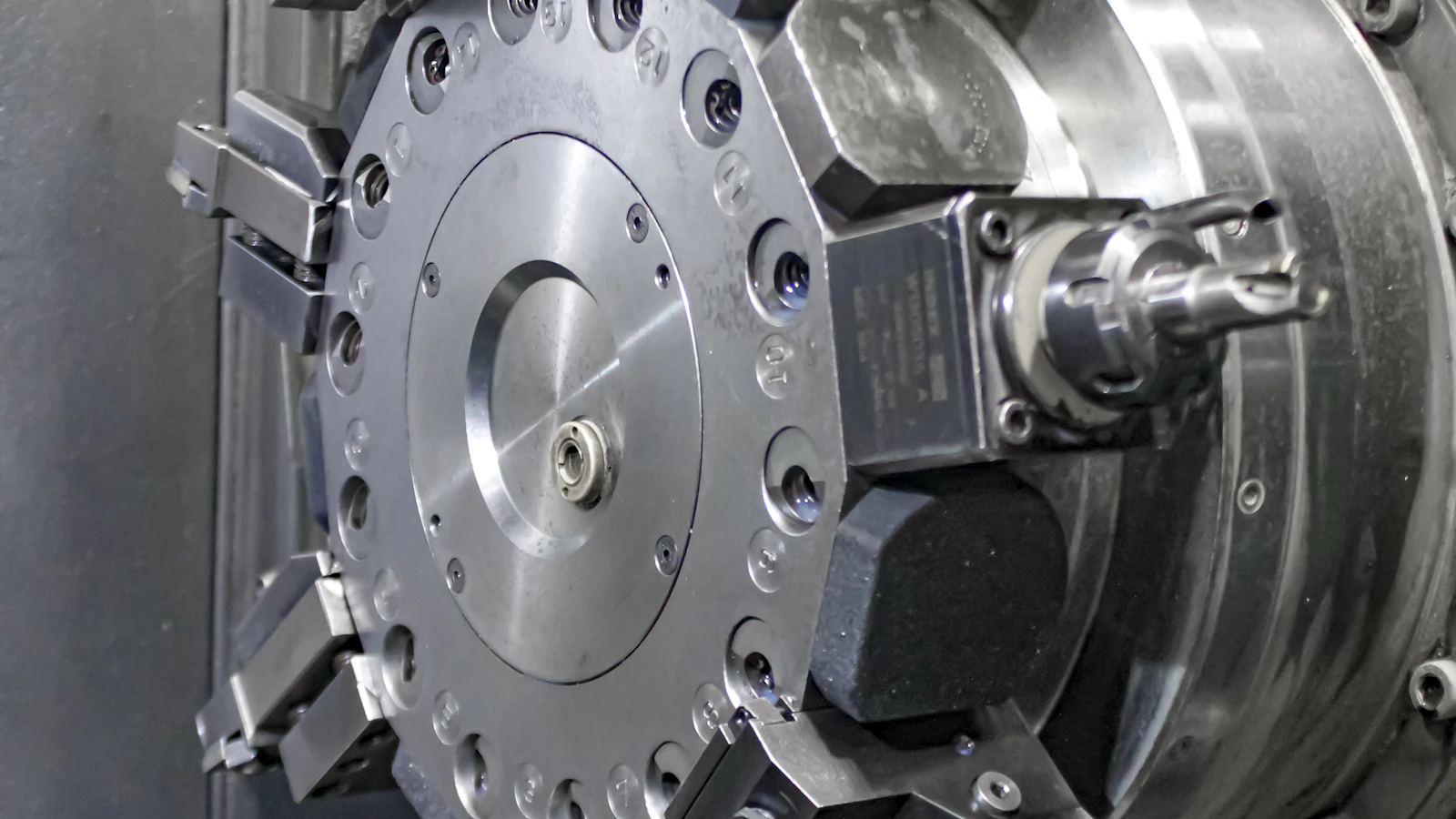
An old machining RFQ is not necessarily a lost quote. Record the current decision stage, the date it entered that stage and the person responsible for the next answer. Separate missing technical facts, buyer review and shop capacity questions. Your follow-up should address the actual blocker instead of sending the same sales reminder to every open request.
Use with this guide
resolved RFQ win-rate guide
The resolved RFQ win-rate guide keeps open decisions out of the loss population.
expired quote renewal worksheet
Use the expired quote renewal worksheet when follow-up requires a fresh material and capacity review.
Browse the complete machine shop guides and worksheets.
Use a consistent clock for each stage
List out the stages your office uses (e.g. incomplete scope, you’re in the process of estimating, you’ve delivered a quote, the buyer is deciding), list out the date each RFQ entered each of these stages and who is responsible for deciding what. Mixing up the date the RFQ was first enquired about with the date it entered a certain stage in your office creates false impressions of how long purchasing decisions are taking and masks delays in estimating that your shop needs to address.
RFQs with multiple versions should still be tracked as the same RFQ with a history of different versions being sent off for quote review. The different revisions to the scope or to the quantities being requested should be treated as opportunities to re-quote and not as new prospects to add to the database. Automated follow-up emails from correspondence software should not be recorded as new RFQs. The resolved RFQ win-rate guide keeps open decisions out of the loss population.
Assign the unresolved decision to the right role
Identify what facts you need the other party to confirm next. The engineer may be able to resolve the scope of work while purchasing confirm the commercial order. The estimator’s internal price review is not the same as the buyer’s decision to purchase. So set up a task for each open RFQ and note who is responsible for each stage of completion.
The RFQ aging register records the quote reference, current version, decision stage, stage-entry date, blocker reference, next review date and office owner. Use codes rather than drawings, contact details or private bid amounts. The worksheet does not connect to an ERP or predict an award. Completed fields show a documented follow-up task, not proof the buyer is ready to purchase.
Read a fictional aging example correctly
For a fictional RFQ received October 1, the office delivers a reviewed quote on October 12 and checks the register on October 15. The inquiry has existed for fourteen elapsed days, while the current buyer-review stage has lasted three. Those are different measurements. The example provides no recommended response deadline, forecasted win probability or claim about a real BlueFinch customer.
It is very important to distinguish between an open offer that has not yet resulted in a decision and a decision not to award the order. Also, use the category of ‘expired offer’ to distinguish from a lost offer , even if the buyer has indicated that he wishes to reissue the price quote for the same work. In addition, the specific reason(s) for rejection of the offer should be recorded as supported outcomes.
Turn the report into a specific follow-up
Review the longest current-stage records and retrieve the actual blocker before contacting the buyer. Ask for the missing decision or scope fact through the approved channel. FTC commercial-email guidance addresses marketing email requirements and opt-outs, not blanket SMS permission. Respect the contact route and preferences in the actual account rather than treating an RFQ as consent for unlimited promotion.
Only update stage changes to reflect the most current verified event. retain all prior dates for reference purposes. Analyze longest current-stage records to identify root causes of stalled opportunities and follow up on the identified blocker versus conducting a benign sales follow-up. Compare the delays in estimating that occur internally to those encountered while waiting on the buyer for review. This strategy does not require the development of a generic machine-shop close rate. instead, it will highlight areas for improvement. Use the expired quote renewal worksheet when follow-up requires a fresh material and capacity review.
Primary sources
BlueFinch last reviewed these sources on October 4, 2026. Payment rules and state requirements can change.
Use this page for general business information. It is not legal, tax, or accounting advice.