Repair-shop Clover portability evidence sheet
Confirm the exact device and software requirements before a processing change.
No signup. Enter reference codes, add records and download a CSV. Entries stay in the browser tab. Filled fields do not establish completion, approval or compliance.
| Internal device or app reference | Current arrangement | Required capability | Current-provider evidence | Proposed-provider evidence | Verification owner role | Unresolved action |
|---|---|---|---|---|---|---|
| Counter-device-example | Current-account-example | Invoice reference preserved | Report export instructions requested | Hardware answered, integration unresolved | Office-role | Verify approved integration test |
- Starting records are fictional examples, not merchant evidence.
- Keep private documents and actual contacts in your approved business system. Use internal reference codes here.
- Missing required fields indicate an unresolved record. Filled fields do not prove authorization, completion, compatibility or compliance.
- Export to approved business storage. Browser edits are cleared on reload.
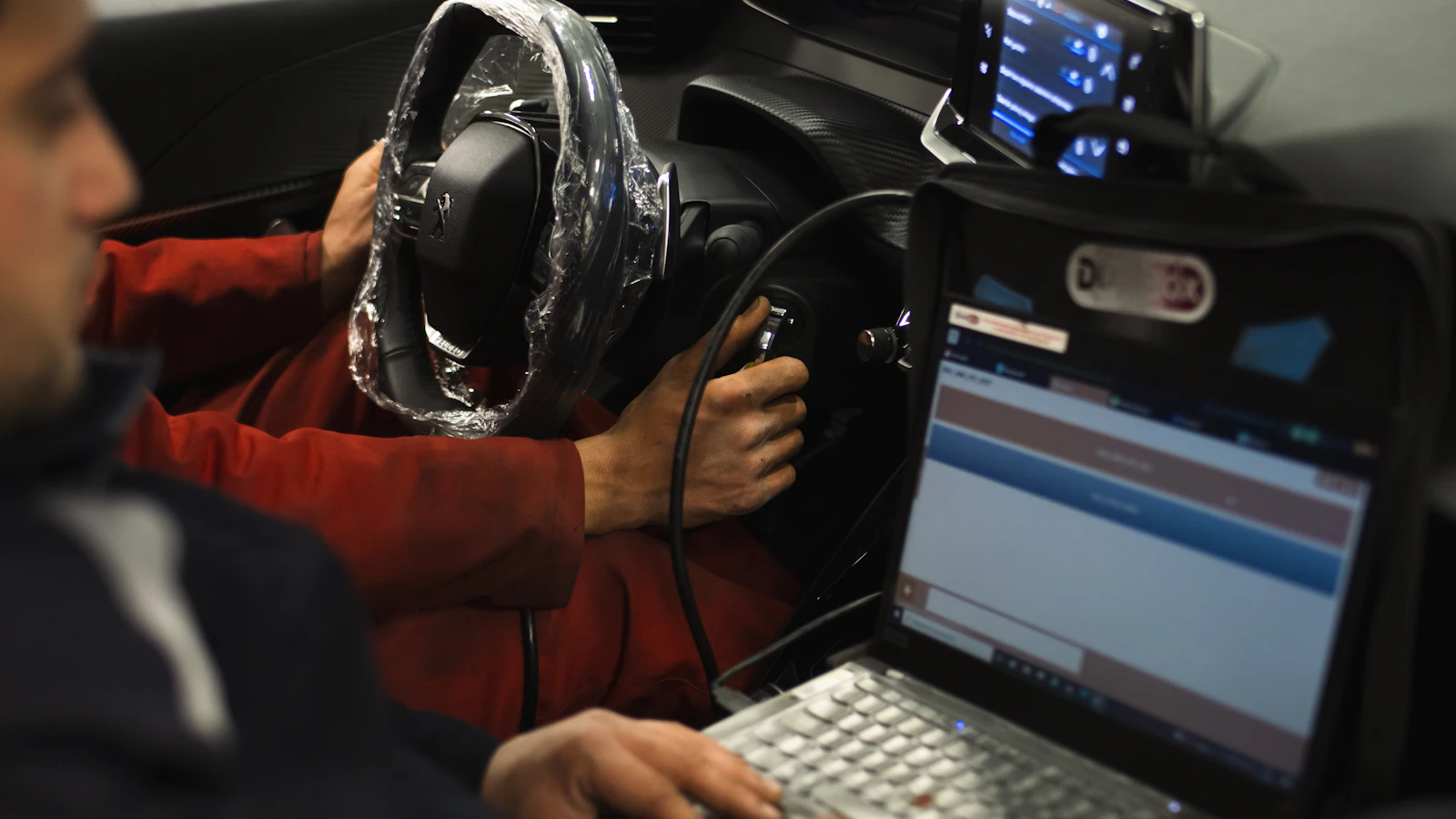
Before changing a repair-shop processing account built around Clover, confirm what happens to the exact hardware, software plan and connected applications. Do not assume a device you own will move to a new provider, or a replacement device will preserve the same repair-order workflow. Ask the companies involved for written, device-specific answers before canceling the current arrangement.
Use with this guide
free-terminal ownership worksheet
The free-terminal ownership worksheet separates an equipment offer from its return and ownership terms.
repair processor requirements scorecard
Use the repair processor requirements scorecard to rank tested workflow needs rather than the hardware brand.
Browse the complete auto repair guides and worksheets.
Inventory the setup you need to preserve
Create a list of the devices you have, the software you are running on them, and the connected applications and processes, such as repair orders, deposits, refunds, and all of your reports. Use an internal ‘Asset Reference’ column to store the model number of the device or an internal identifier, and not the serial number or account login credentials for the repair-shop processing account.
In your notes on this, separate out the issues of ownership of hardware from the issues of access to processing. The evidence required to prove ownership of hardware is different from the confirmation required from a provider as to whether a proposed processing arrangement supports the use of a particular piece of hardware. The software terms and conditions required for a subscription also differ from the provider confirmation required. Don’t confuse a receipt for equipment you have purchased with the confirmation required for a new processing account for all the aspects of the new setup. The free-terminal ownership worksheet separates an equipment offer from its return and ownership terms.
Ask both sides the same narrow questions
Get a list of account changes (i.e. new login URL) for all devices, software and reports you currently have access to. Confirm support for the exact assets you currently have (i.e. don’t assume that a Clover terminal that you own will be fully supported on your new provider’s account). Get the step by step provisioning process for each asset as well as any known interruptions, workarounds and costs (including any replacement costs).
The portability sheet records the asset reference, current arrangement, required capability, current-provider evidence, proposed-provider evidence, verification owner and unresolved action. Each row should describe one requirement. Combining “hardware and everything else” into a single approved row hides the dependencies most likely to interrupt checkout. Keep unknown costs marked unresolved rather than entering zero.
Test the repair workflow before committing
Set up the demonstration or test process approved by the provider to process an invoice reference for a collection, partial payment and refund status lookup. Identify what the Advisor sees and what the bookkeeper can export. The fact that you can process test amounts with the Device does not necessarily mean that the shop-management connection is supported.
Consider a fictional shop using a counter device and a separate invoice application. The proposed provider confirms support for a replacement counter device but has not confirmed the invoice reference handoff. The worksheet should show the hardware question resolved and the integration question open. The shop needs a decision on that open dependency before closing the old account, even if the replacement hardware has no upfront charge.
Compare the transition cost and retained access
List required equipment, subscriptions, setup work, connectivity and report-retention arrangements separately. Do not describe the transition as free because one device is supplied without an upfront payment. BlueFinch’s offer should be evaluated through the actual written terms and remaining costs for your situation. This article does not promise universal Clover portability or an integration that has not been tested.
You should also outline how you will close down the old account and process any refunds due, as well as recording the transition in controlled business storage. It is also important to note that the decision you make should be based upon the process of the checkout that the shop will be buying, not just the name printed on the back of the device such as ‘Clover’. Use the repair processor requirements scorecard to rank tested workflow needs rather than the hardware brand.
Primary sources
BlueFinch last reviewed these sources on October 4, 2026. Payment rules and state requirements can change.
Use this page for general business information. It is not legal, tax, or accounting advice.