Payment integration acceptance test
Trace the same invoice through collection, reversal and payout evidence.
No signup. Enter reference codes, add records and download a CSV. Entries stay in the browser tab. Filled fields do not establish completion, approval or compliance.
| Test scenario | System and version | Invoice and payment references | Expected record movement | Observed evidence | Responsible staff role | Unresolved question |
|---|---|---|---|---|---|---|
| Partial invoice collection | ERP-and-provider-example | Invoice-test-1 | Balance reduced once, payment reference retained | Bookkeeping-role | Trace to payout | |
| Partial refund | ERP-and-provider-example | Refund-test-1 | Original payment link and balance retained | Office-role | Verify old-account refund access |
- Starting rows are fictional. Use internal references, not personal or confidential records.
- Missing required fields stay visible. Filled fields do not prove approval, compatibility or legal compliance.
- Download the CSV to approved business storage. Reloading clears your browser edits.
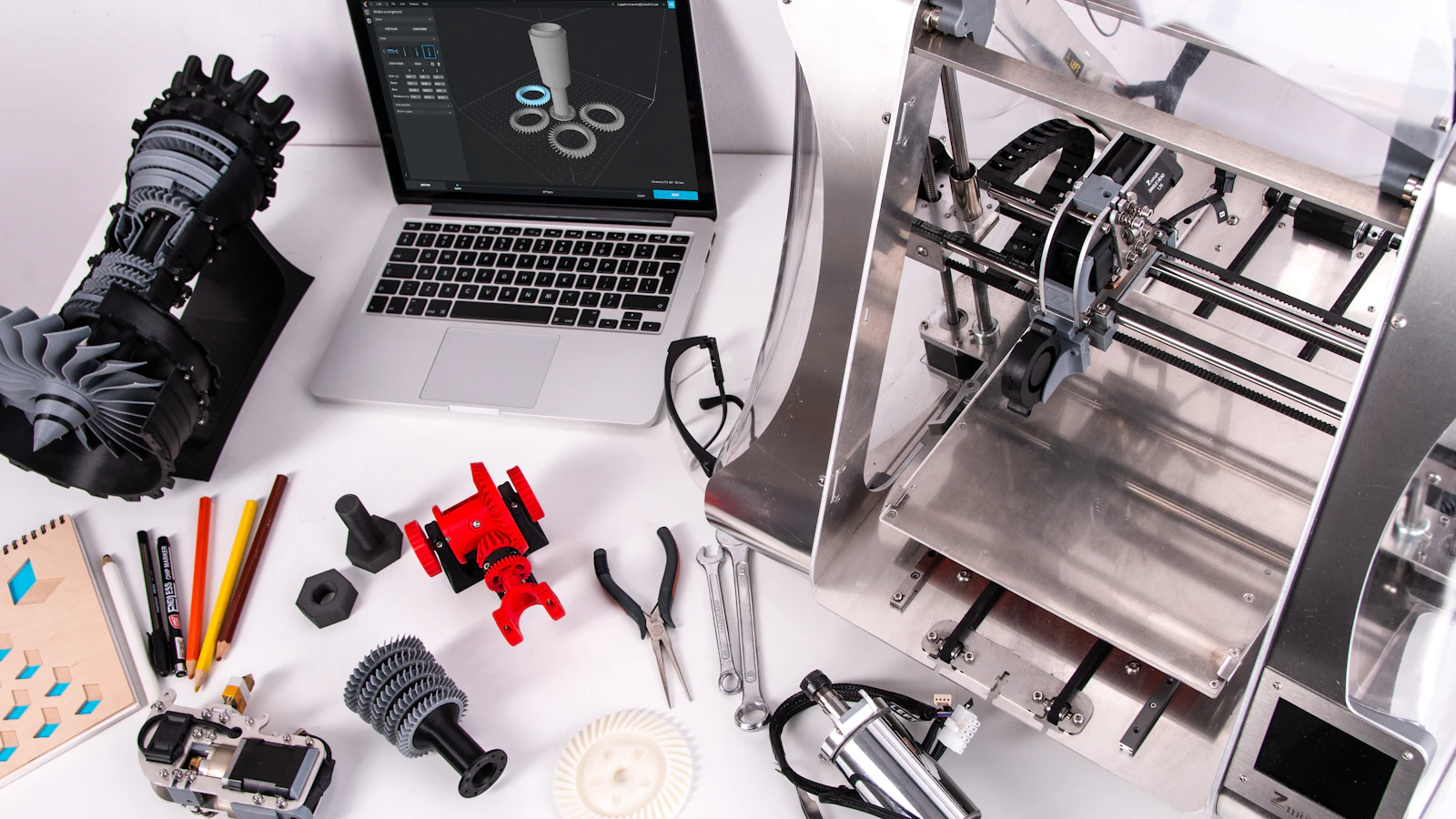
A machine-shop payment integration should pass an invoice-to-settlement test before you rely on it. A payment terminal beside the office computer is not proof of a connection. Ask the supplier to show how the invoice reference, buyer payment and payout remain connected. Your acceptance decision should rest on observable records and a named support owner.
Record the software or workflow that you have tested, including the name of the invoice system, the version number of the software, the payment gateway and payment processing provider. Identify whether payments are made from within an invoice, via a hosted link to pay online or from a dedicated terminal and who controls the status of paid invoices (i.e. the invoice system or elsewhere).
Use with this guide
invoice and purchase-order workflow
Use the invoice and purchase-order workflow to define which references should survive each test.
protect customer drawings
Follow the checklist to protect customer drawings before exporting a test record.
Machining shipping charges: connect the approved invoice
Connect machining freight changes to the accepted invoice and payment balance. Use the shipping approval worksheet without changing the underlying part revision.
Browse the complete machine shop guides and worksheets.
Define observable integration requirements
Use the integration evidence sheet to record each test, expected result, observed result, evidence reference and unresolved issue. The worksheet checks for missing fields and exports a test register. It does not connect to your invoice system or verify an integration on its own. Use fictional buyer and order references. Do not enter controlled drawings, customer bank details or payment credentials.
Begin with a simple test case: pay completely an invoice which requires a single payment. Find the transaction in the provider’s transaction database and in the resulting settlement database. The bookkeeper should be able to find it without using a screenshot of the test case created by the salesperson. A payout that consists of several payments must also support tracing back to the individual commercial invoices. Make sure that all references are kept and not shortened or lost somewhere. Use the invoice and purchase-order workflow to define which references should survive each test.
Sources for this section: Stripe: payment line items, enhanced data and eligibility · Stripe: ACH Direct Debit timing, authorization and failures
Trace partial payments and references
Make sure that the status of an invoice that has been partially paid (i.e. paid with a deposit) is updated correctly after the balance has been paid in full as well. Verify that it is clearly indicated which field represents the status of the invoice (e.g. “paid”) and which field represents the status of individual payments (e.g. “paid” or “pending”).
Test for failure and for situations where the customer or your staff interferes with payment processing. Describe how the supplier’s approved test environment is used to simulate such scenarios. Describe what the customer or your staff member sees when payment processing fails. This document outlines the acceptance criteria and NOT a means to process live payments and in error process additional payments on top of those that have already been successfully processed.
Sources for this section: Stripe: payment line items, enhanced data and eligibility
Check refunds and old-account access
Inspect a partial refund and invoice adjustment. Verify which record changes, who authorizes the adjustment and how the remaining balance is reported. An invoice credit and a refund are related but different records. The integration should keep the underlying references available for reconciliation. Ask about transactions from the previous processor rather than assuming the new system refunds them.
Stripe's payment line-item documentation distinguishes passing order references and line-item data from ordinary payment totals. Its capabilities illustrate the questions to ask your gateway supplier. They do not establish a BlueFinch integration with Stripe or your software. If enhanced commercial-card data is part of the proposal, request separate evidence showing those fields reached the relevant payment request.
Sources for this section: Stripe: payment line items, enhanced data and eligibility · Stripe: ACH Direct Debit timing, authorization and failures
Test exceptions without assuming support
Review the timing of paid status. Stripe documents ACH Direct Debit as delayed notification, unlike an immediate final confirmation of funds. Your system should distinguish initiated, pending, failed and confirmed collection where the payment method requires it. Ask what happens after a late return. A green invoice label should not conceal the actual payment state from accounts receivable.
All failed tests must be assigned to someone. A software company and processor may need to go solve the problem together but you as staff need someone to be your first contact and for you to supply them the relevant information, records etc. You must record the supplier’s resolution of your test case including the date you retest it and what you actually observe happen. Follow the checklist to protect customer drawings before exporting a test record.
Sources for this section: Stripe: payment line items, enhanced data and eligibility · Stripe: ACH Direct Debit timing, authorization and failures
Assign the accepted handoff
BlueFinch reviews payment needs and the available setup with machine-shop owners. Ask for the exact supported connection before changing a gateway or processor. This guide promises no integration with every ERP, accounting package or CNC quoting system. The free worksheet helps you test a proposed arrangement without mistaking a demonstration for a production acceptance result.
Wait until all the necessary tests have been resolved before approving the workflow. Store the test evidence along with the relevant product versions and supplier contact details. Use this confirmed process as the basis of what your staff do and repeat the relevant tests after any updates to your invoice-software and/or payment processing.
Sources for this section: Stripe: ACH Direct Debit timing, authorization and failures
Primary sources
BlueFinch last reviewed these sources on October 4, 2026. Payment rules and state requirements can change.
- Stripe: payment line items, enhanced data and eligibility
- Stripe: ACH Direct Debit timing, authorization and failures
Use this page for general business information. It is not legal, tax, or accounting advice.
Related resources
- 2026 Credit Card Processing Cost Report
- Auto Repair Shop Payment Guide
- Auto Repair Shop Credit Card Processing Calculator
- Connect a machine-shop invoice to the correct buyer and purchase order
- Protect customer drawings when evaluating a machine-shop CRM
- Build a machine-shop RFQ pipeline with an owner for every quote