Payment-page readiness register
Separate page design, publication and merchant activation before sharing a payment link. Use a readiness worksheet for your shop.
No signup. Enter reference codes, add records and download a CSV. Entries stay in the browser tab. Filled fields do not establish completion, approval or compliance.
| Merchant reference | Design reviewed | Published URL verified | Payment methods activated | Receipt contact checked | Release owner |
|---|---|---|---|---|---|
| Merchant-example-A | Pending | Not verified | Confirm with provider | Pending | Owner |
- Starting values are fictional examples, not customer records.
- Keep confidential evidence in your approved business systems. Record only a reference here.
- Complete each row from observed evidence. A completed worksheet does not certify legal compliance or provider compatibility.
- Export your CSV to approved storage before leaving this page.
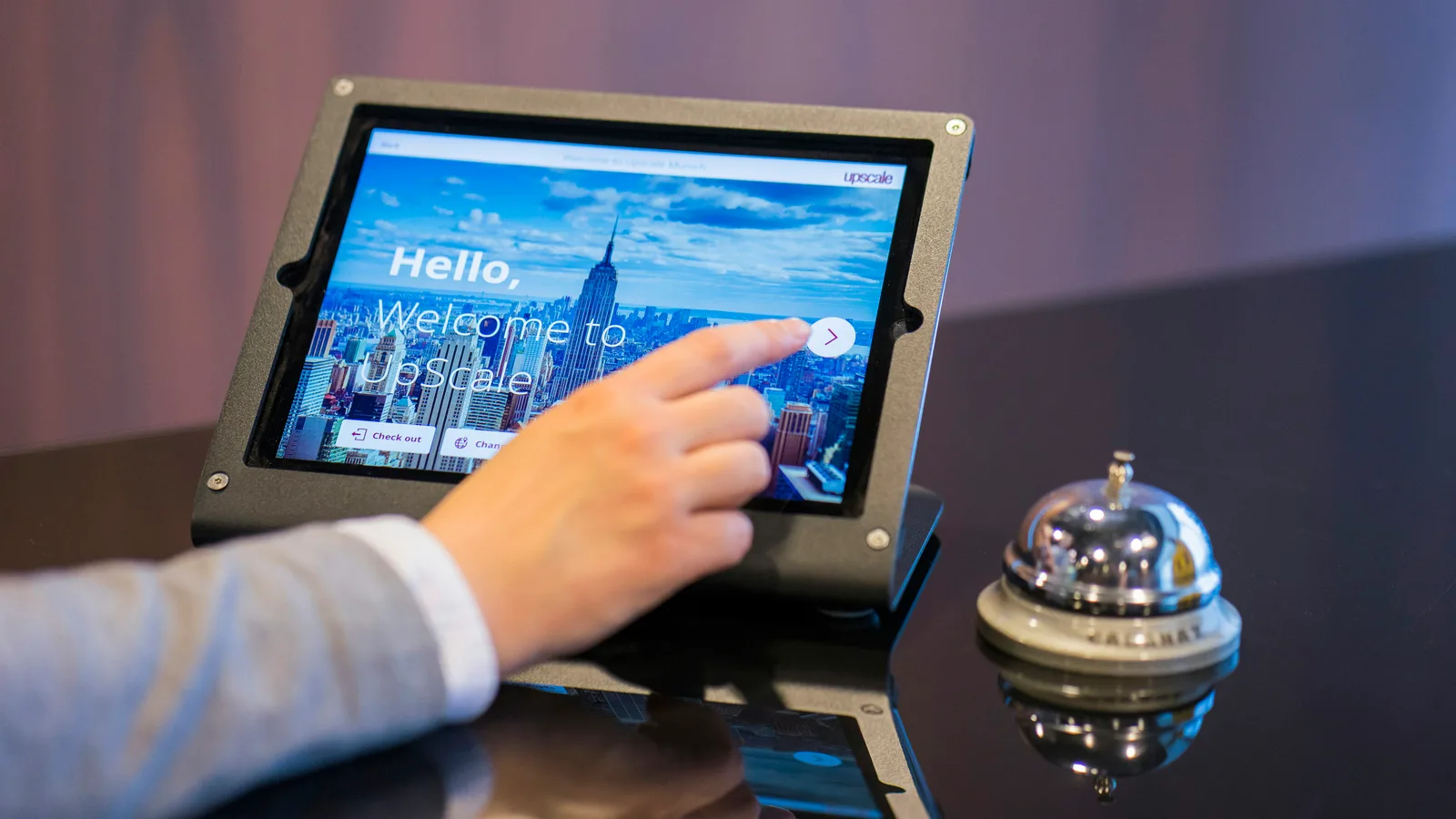
Your payment page can look finished in the editor and still fail to take payments. Design, publication, and merchant activation are separate steps. Check each one before you put the link on invoices or print a counter sign. A polished preview doesn’t prove customers can pay there.
Use with this guide
online payment tools
Continue with online payment tools.
QR payment tools
Continue with QR payment tools.
Machine shop payment software: run an integration acceptance test
Test machining invoice references, partial collections, refunds, and payout records across payment software. Export an integration acceptance evidence sheet.
Confirm the account before the appearance
Get the correct merchant account and approved payment arrangement first. Payment methods and processor settings are separate from page design. BlueFinch's online payment tools provide your business identity, appearance, receipt-contact settings and sharing options. Changing those fields won’t turn on card acceptance or bank payments.
Check account readiness with the responsible provider or BlueFinch representative. Ask what’s enabled and what still needs approval. Don’t show ACH as a choice just because the design has room for it. Customers should see options the merchant account actually supports, under the written processing terms.
Sources for this section: BlueFinch: online payments
Review the customer-facing page
Check the business name, contact route, prices and instructions on the intended phone and desktop layouts. Use the approved program wording. A dual-pricing page shouldn’t introduce a surprise amount after customers have authorized a different price. Have the pricing setup reviewed for the actual program and jurisdiction. Don’t make legal assumptions without support.
For an illustrative repair shop, the owner changes the receipt email in a draft but does not publish the draft. Staff print a QR code from an older page, so customers still get the old contact details. Another design change won’t fix this. The team needs to check the published destination and confirm which version the sharing materials actually use.
Verify publication independently
Check the published URL on another device or in a regular browser session. Make sure you're on the merchant's actual page, not a public demo or editor preview. BlueFinch's demonstration won't charge a card. A working demo helps you see how the interface works, but it doesn't prove your live account can collect funds.
Test payment behavior the way your provider approves. Don’t create an unnecessary live charge just to see what happens. Check the expected success, failure, and receipt paths with the service itself. Stripe’s documentation shows that payment records, confirmations, and receipts are separate parts of a provider workflow, not interchangeable proof that a payment settled.
Sources for this section: Stripe: payment-link confirmations, receipts and payment records · BlueFinch: online payments
Release the link with one owner
The worksheet tracks merchant identity, design review, published URL, activation, receipt contact, and release ownership. Store only internal references there. Card details, bank credentials, and customer records don’t belong in this public tool. Leave open readiness questions visible, and hold customer distribution until the required checks pass.
Update invoice templates, website buttons and QR payment tools using the verified destination. Check old printed or saved links staff might still use. Have one person approve replacements, so the office doesn’t wind up with several “latest” versions. Record when someone checked the new materials.
Do one last check from the customer’s entry point, like the exact link in the invoice email. Testing the published address won’t catch a template that still points to the preview. Record the route and destination together. That way, your release evidence shows what customers actually receive, not just the page the owner meant to share.
After release, check the first suitable payment records using the provider’s approved process. Make sure staff know how to verify payment status. A customer opening the page doesn’t prove they paid, and saving a design doesn’t mean it’s published. Keep those things straight to avoid collection delays and give customers a consistent, professional place to pay a bill they already understand.
Primary sources
BlueFinch last reviewed these sources on October 23, 2026. Check the linked sources for current requirements and product details.
Use this page for general business information. It is not legal, tax, or accounting advice.