Customer-supplied PPF kit scope sheet
Connect accepted labor, unresolved material and the approved collection decision.
No signup. Enter reference codes, add records and download a CSV. Entries stay in the browser tab. Filled fields do not establish completion, approval or compliance.
| Job reference | Customer kit reference | Accepted labor scope | Unresolved material issue | Revised approval reference | Collection decision | Office owner role |
|---|---|---|---|---|---|---|
| PPF-job-example-3 | Protected-kit-record | 700 accepted labor, illustrative | Coverage component unresolved | 200 deposit already collected, illustrative | Install-coordinator-role |
- Starting records are fictional examples, not merchant evidence.
- Keep private documents and actual contacts in your approved business system. Use internal reference codes here.
- Missing required fields indicate an unresolved record. Filled fields do not prove authorization, completion, compatibility or compliance.
- Export to approved business storage. Browser edits are cleared on reload.
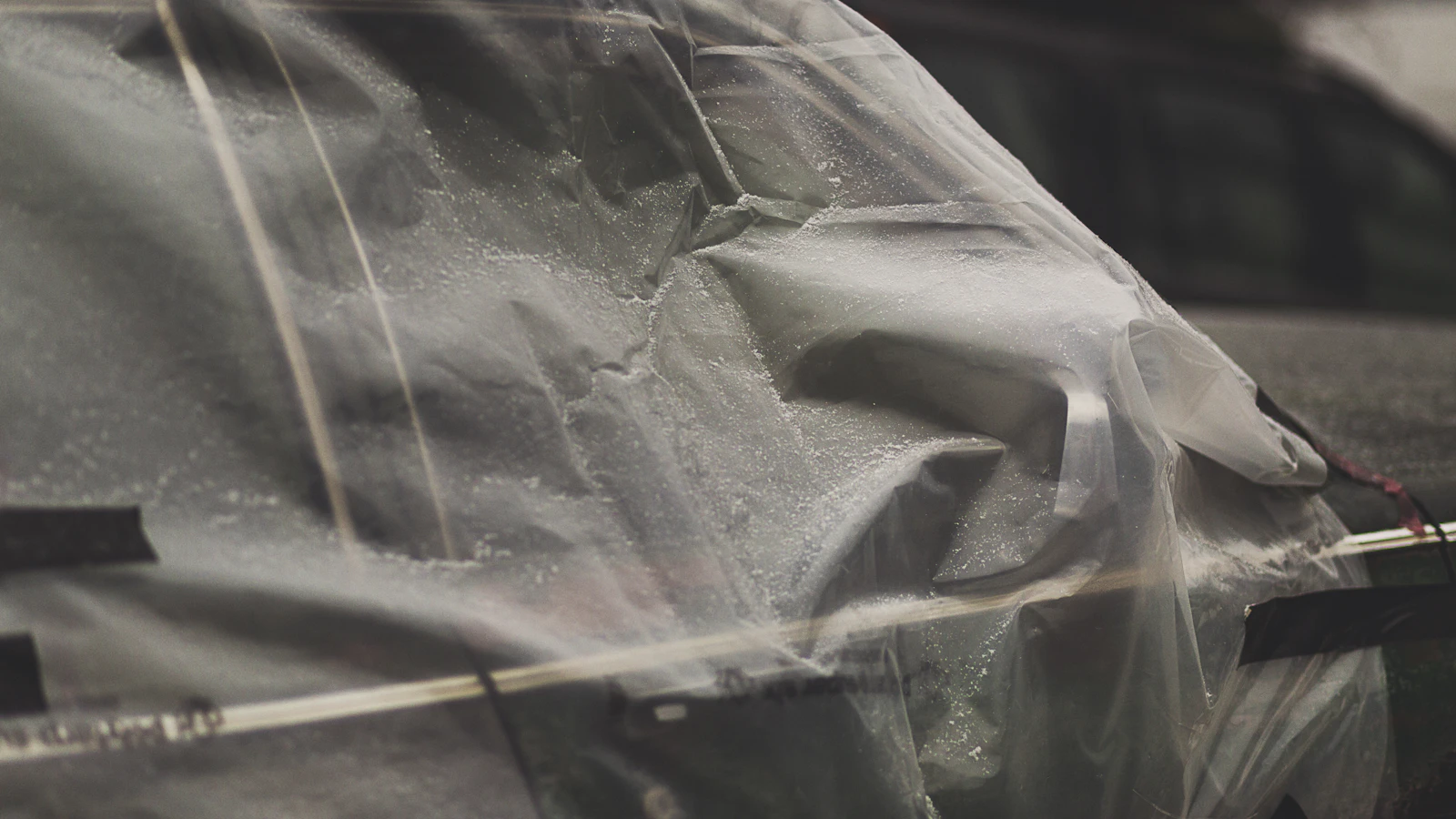
A customer bringing a PPF kit still needs an accepted installation scope. Record what the shop will install, what material the customer supplies and what remains unresolved. Keep the labor quote separate from a shop-supplied kit price. If missing pieces or a changed vehicle alter the work, obtain the relevant review and approval before increasing the balance or beginning another stage.
Use with this guide
PPF kit shipping and payment guide
The PPF kit shipping and payment guide separates material readiness from a collected deposit.
PPF staged-work approval sheet
Use the PPF staged-work approval sheet when removal or replacement introduces another review stage.
Browse the complete window tint guides and worksheets.
Identify the kit and accepted installation work
Make sure your shop follows normal procedures for your material and for the specific vehicles you work on, and record the shop’s internal reference to the relevant kit, the intended coverage, and the specific labor that you agreed to in your scope of work. A package labeled for a particular vehicle does not necessarily mean that the complete and suitable kit for that vehicle is in the package, or that the shop has a supported procedure for that particular material to be installed on that particular vehicle.
Define which commercial obligations belong to the customer and which belong to the shop through the accepted agreement and applicable review. Do not invent a universal warranty exclusion for all customer-supplied material. Keep product warranties, installation obligations and additional purchases as distinct records. The office needs a clear answer when the customer asks whether a missing piece changes the quoted amount or the appointment. The PPF kit shipping and payment guide separates material readiness from a collected deposit.
Record missing material as a scope question
If the kit lacks an accepted component, identify the unresolved item before treating the job as ready. Record whether the permitted next action is customer replacement, revised coverage or a separately approved shop supply. A missing item should not automatically become an extra charge. Obtain the authorized commercial decision, then retain the current accepted version for the installer and front desk.
The supplied-kit sheet records the job reference, customer kit reference, accepted labor scope, unresolved material issue, revised approval reference, collection decision and office owner. Use codes and general status descriptions. Keep vehicle identifiers, private customer files and payment details outside the public tool. The worksheet does not certify material suitability, issue a warranty or replace the installation inspection.
Work through a fictional labor revision
Consider an illustrative $700 accepted labor job with a verified $200 deposit. The remaining accepted balance is $500 before any reviewed change. The kit arrives with an unresolved coverage issue. The office should not add another material amount merely because the installer expects extra work. Record the question and obtain the required revised approval before updating the accepted total or payment request.
If the approved change later adds $120 to the total, the revised accepted amount is $820 and the remaining balance becomes $620 after the same $200 deposit. Preserve the original collection instead of counting another deposit. These are fictional amounts, not BlueFinch prices, kit costs or a standard markup. The example assumes no other credits, taxes or adjustments and does not establish who owes the extra amount.
Give pickup staff the current version
Verify that the front desk has up-to-date records of accepted scope of work (SOW), completed work, and balance on invoice for supplied kit. Make sure that any outstanding payment requests for supplied kit are up-to-date (i.e. correct amounts, status, etc.), and utilize the supported correction process of the payment provider to process any needed payment updates.
After the job, record any open technical, material or commercial question through the appropriate shop process. Keep a payment correction separate from an installation assessment. Review repeated supplied-kit issues before accepting another similar scope. The owner should know which dependencies delayed the job and which changes were approved. A useful worksheet supports the handoff without pretending to inspect film quality or determine the legal outcome of a material dispute. Use the PPF staged-work approval sheet when removal or replacement introduces another review stage.
Primary sources
BlueFinch last reviewed these sources on October 4, 2026. Payment rules and state requirements can change.
Use this page for general business information. It is not legal, tax, or accounting advice.