Rush wrap print change approval
Connect supplier costs, feasible milestones and approved customer collection.
No signup. Enter reference codes, add records and download a CSV. Entries stay in the browser tab. Filled fields do not establish completion, approval or compliance.
| Job reference | Current artwork version | Supplier rush quote reference | Production feasibility reference | Customer change approval | Revised collection decision | Office owner role |
|---|---|---|---|---|---|---|
| Wrap-job-example-2 | Artwork-version-example | 245 incremental cost, illustrative | Printer and install review needed | No revised collection yet | Production-coordinator-role |
- Starting records are fictional examples, not merchant evidence.
- Keep private documents and actual contacts in your approved business system. Use internal reference codes here.
- Missing required fields indicate an unresolved record. Filled fields do not prove authorization, completion, compatibility or compliance.
- Export to approved business storage. Browser edits are cleared on reload.
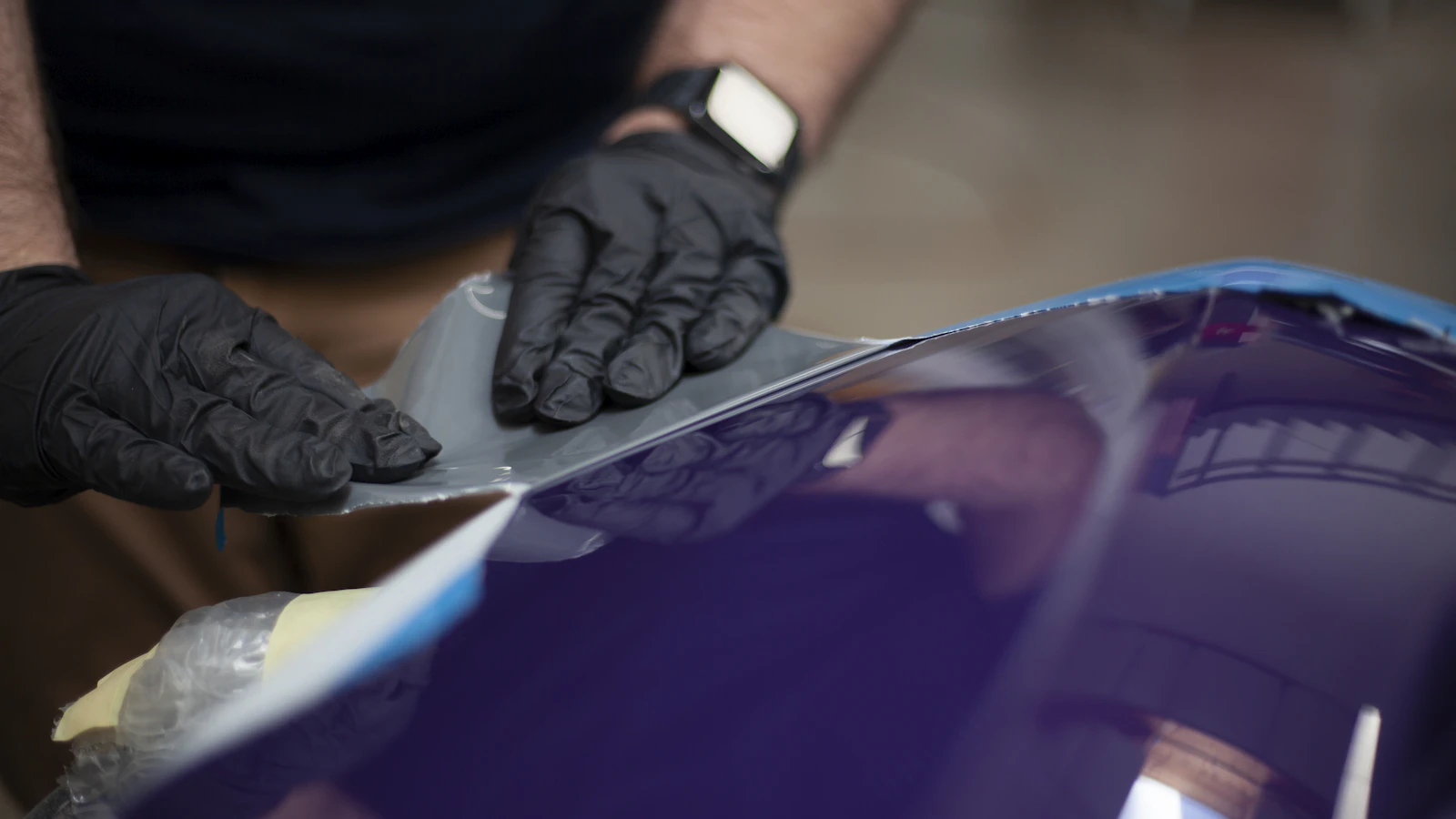
Price a rush wrap printing change from the supplier’s actual quote and the customer’s accepted scope. A request to finish earlier does not establish permission for every added charge. Record the extra production cost, feasibility answer and approved collection before committing. Keep the revised print version visible so speed does not create an avoidable remake or a duplicate invoice.
Use with this guide
wrap change-order balance guide
The wrap change-order balance guide covers the revised accepted total after an earlier collection.
stored-card change approval worksheet
Use the stored-card change approval worksheet before treating a saved method as permission for another payment.
Browse the complete vehicle wrap guides and worksheets.
Define the change before quoting the rush work
Identify the artwork version, vehicle count and requested production date. Separate an earlier printing slot from an earlier installation slot. The printer might offer faster output while the shop still lacks installation capacity or a ready vehicle. Confirm the actual dependencies before presenting a delivery promise. A rush fee cannot resolve an unapproved design, missing measurement or unavailable installer.
Ask the supplier to put a written scope together with the additional charges and a confirmed completion date. Make sure to separate out the cost of freight or collection and record this in your notes too. Don’t confuse an old rush price with what you can get today. The scope of work you accept needs to clearly describe what you are actually buying for rush treatment (e.g. priority printing, collection, installation etc). The wrap change-order balance guide covers the revised accepted total after an earlier collection.
Compare incremental cost with the approved collection
Review your accepted invoice plus any payments made by your customers. Establish the additional cost incurred by your business as a result of the rush change, and do not include the base cost of printing the item. An existing deposit does not mean you can charge more for another change. Get the buyer’s approval and use the correct payment procedure for any additional balance required.
The rush-change sheet records the job reference, current artwork version, supplier rush quote, production feasibility reference, customer change approval, revised collection decision and owner. Use internal references instead of customer names, files or payment details. The tool documents a task. It does not provide a binding quote, promise supplier availability or certify the commercial approval is sufficient in every situation.
Explain the price difference with a labeled example
For a fictional production change, the supplier quotes an additional $180 for printing and $65 for the revised shipment. The incremental quoted cost is $245 before any other reviewed adjustment. If the accepted customer change is $300, the arithmetic leaves $55 before other costs and taxes. That is not the whole job’s profit and does not establish the appropriate markup for your shop.
If the supplier later withdraws the promised slot, review the customer commitment before spending the deposit on an alternative. Keep the revised quote and approval together. Do not silently substitute an unsupported delivery date or another material to preserve the original promise. Record the next permitted action and owner so the installer is not left explaining a change the office has not accepted.
Verify the resulting job and payment record
Before print release, check the approved file reference, supplier instruction and accepted revised amount. After a supported collection, match the transaction to the changed invoice. If the old payment link still shows the previous balance, use the provider’s supported correction process and verify which request remains usable. Document actual software behavior rather than claiming every wrap CRM updates all systems automatically.
After installation, compare the approved rush quote with the supplier’s final invoice and actual collection. Review whether the extra expense achieved the promised milestone. Preserve the original and changed records so the owner sees the cost of the exception. Use recurring rush requests to improve capacity planning without presenting a fictional supplier price as a market benchmark or guaranteeing every rushed job will succeed. Use the stored-card change approval worksheet before treating a saved method as permission for another payment.
Primary sources
BlueFinch last reviewed these sources on October 4, 2026. Payment rules and state requirements can change.
Use this page for general business information. It is not legal, tax, or accounting advice.
Related resources
- 2026 Credit Card Processing Cost Report
- Vehicle Wrap Shop Payment Guide
- Auto Repair Shop Credit Card Processing Calculator
- Color-change wrap changes: price the difference before taking payment
- Stored cards in a wrap shop: scope approval is not payment consent
- Delayed fleet vehicles: track install slots and paid work