Check a repair bill paid with two cards
Apply the prior deposit, two successful card payments and cash to the invoice. Estimate new card fees separately.
Use the interactive tool without signing up. It runs in your browser: enter your numbers, save a comparison, download results or print a working copy. Your numbers are not sent to BlueFinch.
Illustrative example inputs
These starting values show how the math works. They are not industry averages, customer results or a quote.
| Input | Example value |
|---|---|
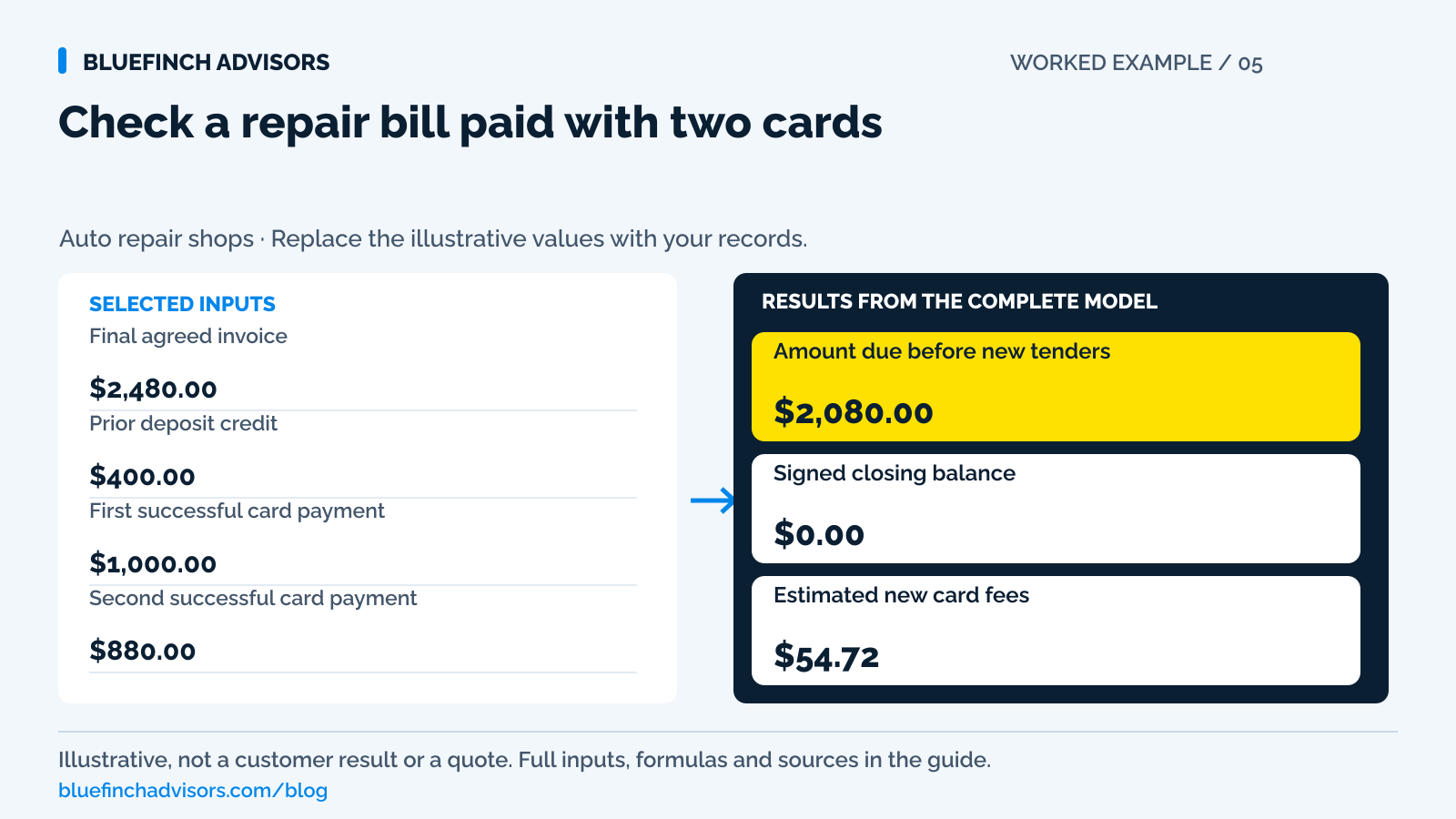
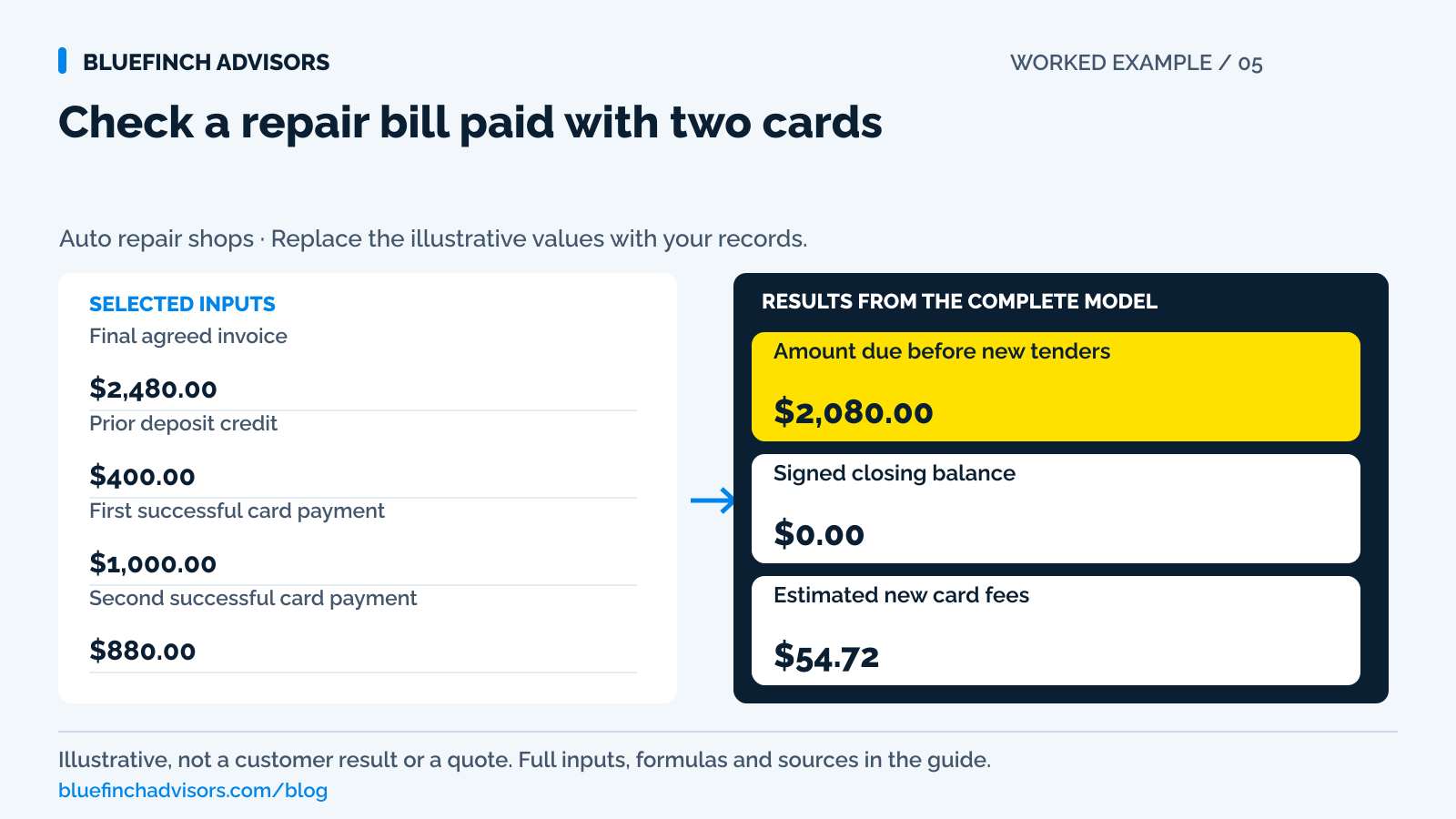
Final agreed invoice Enter the approved total before splitting payments. | $2,480.00 |
Prior deposit credit Count an earlier successful payment still credited to this job. | $400.00 |
First successful card payment Leave out declined, expired and voided attempts. | $1,000.00 |
Second successful card payment Enter the amount actually captured. | $880.00 |
Cash collected now Use the amount on the drawer receipt. | $200.00 |
Rate on these two card payments The sample applies one rate to both cards. Enter your actual pricing. | 2.9% |
Fee per new card transaction This calculation counts exactly two successful card transactions. | $0.10 |
Example results
| Measure | Result |
|---|---|
Amount due before new tenders Subtracts the existing deposit from the final invoice. | $2,080.00 |
Signed closing balance Positive means unpaid; negative means an overpayment or entry error. | $0.00 |
Estimated new card fees The shop's expense for the two new card payments, not a charge to the customer. | $54.72 |
Calculation detail
| Measure | Result |
|---|---|
| New tender total | $2,080.00 |
| Lifetime collections entered | $2,480.00 |
| First card cost | $29.10 |
| Second card cost | $25.62 |
Model assumptions
- Defaults are examples. The invoice has one agreed price; customer surcharges and mixed-tender discounts aren't modeled separately.
- Both successful card charges use the same rate here. The earlier deposit's fee is excluded.
- The calculation still counts two transaction fees if one card amount is zero. Use it only for an actual two-card checkout.
Read alongside these results
- Before retrying an uncertain charge, confirm its status in the provider's system.
- This calculation doesn't authorize refunds, payment plans, vehicle release or pricing-program treatment.
Download this worked example (CSV). Use the interactive version to export your own inputs and results.
Download infographic (PNG) · Download vector (SVG) · Link to the source and methodology

The short version
- Record each payment's status and reference, not just what the customer planned to pay.
- Two payments at checkout aren't an installment loan or a plan to pay later.
- Keep positive and negative balances visible to catch unpaid amounts and overpayments.
A customer wants to use $1,000 on one card, the rest on another, and the $400 deposit already paid. Then they add $200 in cash. None of this has to be difficult, but the service desk needs a running balance based on successful payments, not on the plan discussed before either card was approved.
Keep one repair-order balance with separate payment records. Each card transaction needs its own reference and refund history. This worksheet checks the closing balance and direct fees on the two new card payments. Check split-payment support with the terminal provider; the worksheet can't establish that.
Use with this guide
Keep the prior deposit attached
Show what was already collected before sending a final balance request.
Test split-tender support
Review incomplete payments, integration status, and partial refunds.
Preserve the full payment file
Keep separate tender references with the final invoice and approval record.
Auto repair duplicate payments: payment links and counter charges
Prevent duplicate repair payments when a customer uses a payment link before pickup. Use the reconciliation register to compare captures, holds and refunds.
Browse the complete auto repair guides and worksheets.
Confirm the amount due before taking separate payments
Confirm the final invoice, authorized additions, credits, and existing deposit before entering the first tender. Ask whether the customer is proposing several payments now or a balance to be paid later. Paying with two cards at pickup is split tender. A promise to return next Friday is a credit or payment-plan decision that needs separate terms and authority. Do not let a familiar phrase conceal an unpaid balance.
If the shop uses an approved dual-pricing program, determine the mixed-tender treatment with the provider before offering the split. Do not independently apply a percentage to the entire invoice and then charge the same amount again on individual card portions. The worked example uses one agreed invoice total with no customer-facing card-price adjustment. That keeps payment reconciliation distinct from pricing-program configuration.
Sources for this section: Visa: U.S. merchant surcharge questions and answers
Check how the terminal handles partial payments
Some systems treat several tenders as one checkout session; others create separate partial payments against an invoice. Those workflows can have different timeout, receipt, and cancellation behavior. Square's published split-payment instructions, for example, say the sale is incomplete until no balance remains and warn that a split tender taking longer than five minutes can time out and void earlier payments. That is a product-specific example, not a rule for all terminals.
Have the provider demonstrate your actual setup with a successful first payment and an unsuccessful second one. Ask what the advisor sees, what the customer may see as a pending hold, whether the first amount remains captured, and how to resume without duplication. Record the supported recovery steps. A cashier should not have to discover those details while a customer searches for another card and the pickup line grows.
Sources for this section: Square: Process split payments
The $2,480 invoice closes exactly once
Start with a $2,480 final invoice and a $400 deposit already collected. The customer owes $2,080 at checkout. They successfully pay $1,000 on card A, $880 on card B, and $200 in cash. Those new payments total $2,080; including the deposit, collections equal $2,480. The signed invoice balance is zero. Each number is illustrative and should be replaced with successful payments from the actual repair order.
Assume each new card payment costs the shop 2.9% plus $0.10. The first costs $29.10 and the second costs $25.62, for $54.72 in direct card fees. That fee is the shop's expense in this example; it is not added to the customer's bill. The prior deposit's processing expense is outside this checkout calculation because it was incurred earlier and may have used a different payment method or rate.
Do not hide the extra $20
Change card B from $880 to $900 while keeping the other inputs unchanged. Collections become $2,500 and the balance becomes negative $20. That negative result is useful: it exposes an overcollection or an incorrect record. A worksheet that silently clamps the balance at zero would conceal the problem and could leave the customer waiting for a correction they should not have to discover.
First verify whether the second transaction really captured $900 or whether someone entered an intended amount. If the overpayment is real, have an authorized staff member correct the appropriate payment through the original transaction. Preserve the invoice and both receipts. If the issue is an incorrect cash entry, correct the cash record with an audit trail instead of issuing an unrelated card refund to make the total look right.
Sources for this section: Stripe: Refund and cancel payments
Check an uncertain payment's status before retrying
An error message is not enough information to repeat a charge. Check the transaction history for approved, captured, voided, failed, or pending status using the provider's terminology. When a connection drops after the card is presented, the terminal and shop software can appear out of sync. A new charge may duplicate one that already succeeded. Call support when the status cannot be established through the approved screen.
If the first card succeeded and the second declined in a system that retains partial payments, show the remaining unpaid amount before requesting another tender. If the system voided the whole split session, confirm that status and explain any temporary holds before restarting. Keep the attempted tender out of the paid total until its successful state is known. Never split charges to evade processor controls or disguise a larger transaction.
Sources for this section: Square: Process split payments · Stripe: Place a hold on a payment method
Use the separate transaction records for a later refund
Suppose a $300 refund is approved a week later. The job has three recent tenders and a deposit. The refund cannot be handled safely from the invoice total alone. Identify which original transactions can support the correction under the provider's rules, how much has already been refunded, and whether any dispute is open. Stripe's documentation illustrates an important boundary: refunds go back to the original payment method and cumulative refunds cannot exceed the original charge.
If different people supplied the two cards, preserve that distinction. Do not return all money to the person standing at the desk merely because their name matches the vehicle record. A cash portion also needs its own refund evidence if it is being reversed. Give the customer a corrected balance statement showing which payment was refunded and what remains paid, rather than a collection of receipts with no explanation of the repair-order total.
Sources for this section: Stripe: Refund and cancel payments
Match cash to the drawer and cards to the processor
The $200 cash payment belongs in the drawer count and cash receipt record, not the card batch. The two card amounts belong in the processor report. The $400 prior deposit belongs in the repair-order payment history but should not reappear as new sales in today's batch. A daily close that sums every payment visible on a completed repair order can accidentally count the earlier deposit twice.
Use payment date and transaction reference to distinguish today's collections from lifetime collections on the job. The advisor's final check is that the repair order balances. The bookkeeper's later check is that today's captured cards reconcile to payouts and cash reconciles to the deposit record. Both checks are necessary; a zero customer balance does not prove the card funds reached the bank, and a correct batch does not prove the invoice was fully paid.
Sources for this section: Square: Set up and edit transfer options
Practice the payment and refund steps on one ticket
Walk staff through a supported two-card transaction, a second-card decline, a timeout, a cash correction, and a partial refund. Use the same repair order throughout the demonstration so they can see how each event affects the balance. Keep a short recovery card beside the terminal with the provider's status-check procedure and escalation contact. Do not include card numbers or verification codes in training notes.
The next live split payment should finish with one final invoice that lists every successful tender and the remaining amount, plus the required receipts. If the balance is nonzero, decide whether the entries are wrong or a separately approved receivable remains. Do not mark the job paid because the customer made a serious effort to pay. A clear unpaid balance is easier to resolve than a false paid status discovered after pickup.
Sources for this section: Square: Process split payments · PCI SSC: Card verification code storage
Questions business owners ask
Can every payment terminal split one invoice across two cards?
No. Support depends on the device, software, and integration. Verify the exact workflow, including timeout and partial-failure behavior, with the provider.
Does using two cards make this an installment plan?
Not when both payments settle the bill at checkout. A later unpaid installment is a separate payment arrangement and should not be hidden inside the split-tender label.
Why is the earlier deposit fee excluded?
This tool estimates the cost of the two new card transactions. Add the actual earlier deposit fee separately when reviewing the full job's acceptance cost.
Primary sources
BlueFinch last reviewed these sources on October 2, 2026. Payment rules and state requirements can change.
- Square: Process split payments
- Stripe: Refund and cancel payments
- Stripe: Place a hold on a payment method
- Visa: U.S. merchant surcharge questions and answers
- Square: Set up and edit transfer options
- PCI SSC: Card verification code storage
Use this page for general business information. It is not legal, tax, or accounting advice.