The short version
- Send processor-approved links; don't collect card details by text or email.
- Before traveling, confirm the location, vehicle, service conditions, scope and prices.
- Document changes made on site before collecting extra payment.
- Save completion, receipt, care and warranty records with the mobile job.
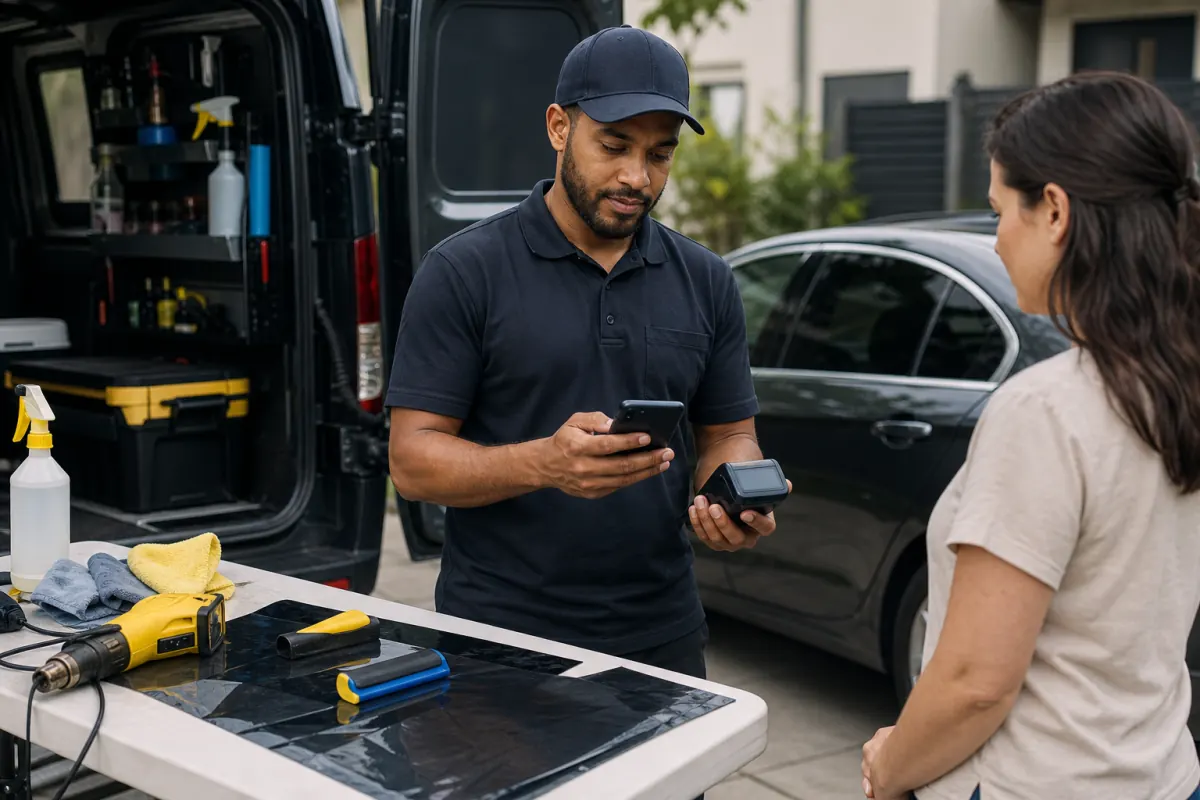
Mobile tint is convenient, but the customer may have no counter sign, fixed bay or office computer beside the terminal. Put the necessary job information in the booking confirmation and mobile work order.
A card-not-present deposit raises different operational and fraud questions from an in-person tap. Use the provider's approved tools and leave sensitive card details out of ordinary messages and notes.
Use with this guide
Mobile tint calculator: check a route's contribution
Four booked jobs don't establish route profit. Include paid driving, vehicle costs and installation time before comparing the day's contribution.
Shipping PPF kits: release paid orders only after the details match
Before shipping a custom kit, check fitment, delivery instructions and the shipping promise. A successful remote payment doesn't verify them.
Browse the complete window tint guides and worksheets.
Confirm the job before you travel
Explain rescheduling or travel charges before the appointment if the site can't support the work. Don't invent a fee on arrival to make up for a question the booking process failed to ask.
- Identify the customer and confirm reliable contact details.
- Confirm the exact location, access and site contact.
- Check the vehicle year, make, model, glass and requested service.
- Confirm required weather, shade, power, cleanliness, space and other service conditions.
- Review the quote, deposit, regular card price, lower cash price, cancellation terms and balance.
Identify the appointment in the secure deposit request
Name the appointment or invoice in the message and link to the approved hosted page. Before submitting payment, customers need to see what it covers, the price choice and the deposit terms.
Never request a full card number, security code or card photo in a text or email. Follow your account's PCI obligations and the provider's instructions for remote payments.
Record on-site conditions before changing the price
The plan may change because of old film, damaged defroster lines, unusual glass, contamination, access problems or a different vehicle. Photograph or record the condition, explain the change and get approval of the revised scope and price before doing the work or collecting extra payment.
Apply the existing deposit only once. If the customer changes payment methods on site, show the correct current amount before collecting it and give a receipt for the method used.
Test the terminal under mobile working conditions
Check connectivity, battery, receipt delivery, credit, debit, wallets, voids and refunds. Find out the approved procedure for weak service and whether your account permits offline acceptance. Don't work around a problem by writing down card details.
If you send a link for the final balance, include the approved price disclosure in that payment process. A sign back at the shop doesn't inform the mobile customer.
Finish with the same records you'd provide at the shop
Give the final invoice, receipt, care instructions, product and installation record, and warranty information. Use your normal method to record completion and customer acknowledgment.
For a complaint or dispute, build a factual timeline covering booking, deposit, arrival, condition, approved changes, completion, payment and correspondence. Submit relevant evidence through the processor's required process.
Questions business owners ask
Can we enter a card manually in a phone app?
Use only the processor-approved app and account configuration. Check cost, security, receipts and dual-pricing behavior before using it in the field.
What do we do if mobile internet stops working?
Use the provider's approved procedure. Don't write down card details or improvise an offline payment your account hasn't approved.
Is the mobile receipt enough for the warranty?
No. It records payment. Keep the vehicle, product, installer, date, invoice and any other warranty details required by the manufacturer or shop.
Primary sources
BlueFinch last reviewed these sources on August 11, 2026. Payment rules and state requirements can change.
- Visa: Dispute Resolution Guidelines for Merchants
- Visa: Resolve a Dispute
- Visa: Merchant Surcharging FAQs
- 3M: Automotive Window Film Warranty Information
Use this page for general business information. It is not legal, tax, or accounting advice.